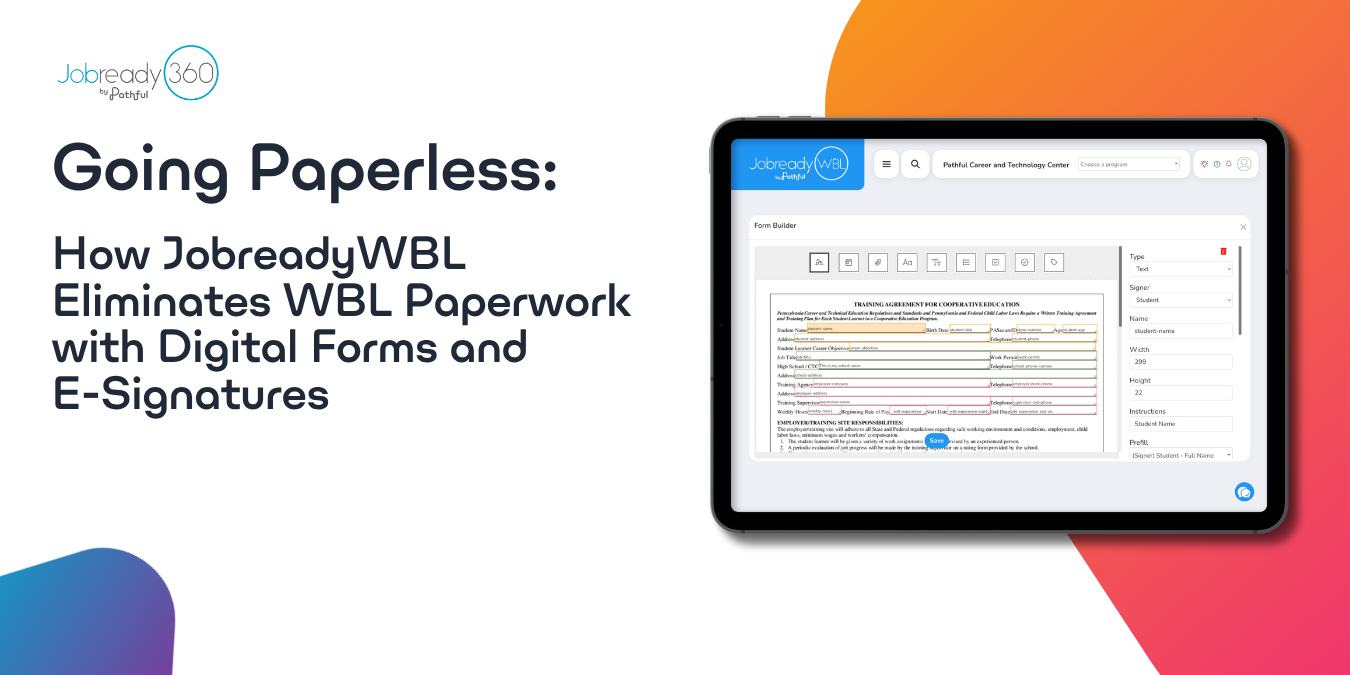
JobreadyWBL's digital forms system, powered by the integrated SignMyForm e-signature platform, replaces the chase for employer, parent, and student signatures with no-login signing, smart prefill, and built-in routing.
Ask a WBL coordinator what eats the most time in their job and paperwork usually tops the list. Enrollment forms, training agreements, employer evaluations, parent permission slips, all of it chasing signatures from people who are hard to pin down during a normal school day.
JobreadyWBL's digital forms system, powered by an integrated e-signature platform called SignMyForm, handles that signature chase for you. Here's what it actually does.
Employers and Parents Sign Without Logging In
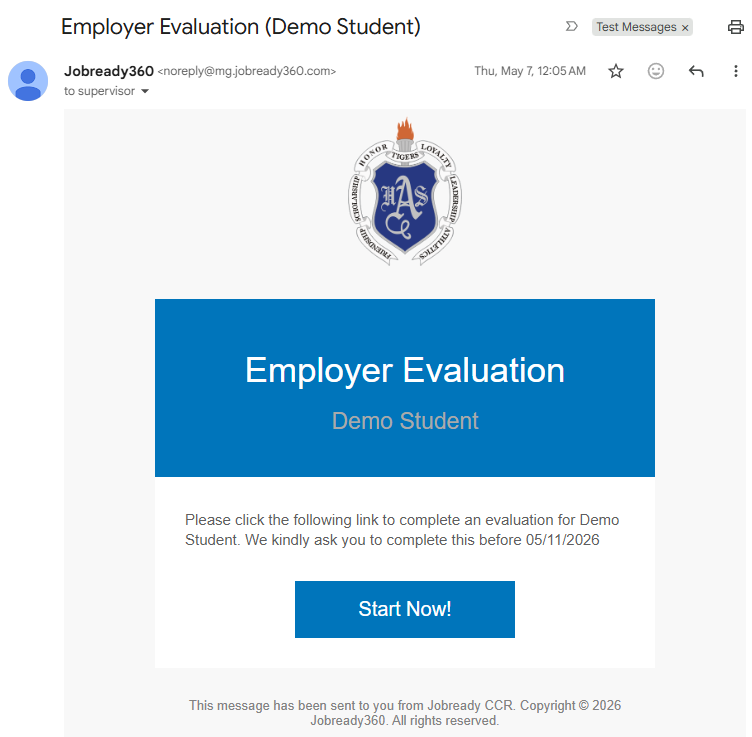
This is the differentiator that matters most. An employer or parent doesn't need an account or a login to sign a JobreadyWBL form. They get an email with the form's name and a direct link, open it, fill in whatever fields are assigned to them, and sign.
No password to create, no account to manage, no "I forgot my login" delay holding up a placement. If your school sends from its own email domain rather than the default, you can configure that too, so the request looks like it's coming from your school rather than a third-party tool.
Forms Fill Themselves In, Partly
Intelligent prefill automatically populates a field based on the most recent value that same person entered on any other form with a field of the same name. Fill out a date of birth field once, and it prefills on the next form that asks for it, tied to that person's own email address so nobody's information leaks into someone else's form.
There's a separate option to prefill fields with event-specific information when a form is tied to a particular placement or activity, so a student or employer isn't retyping details JobreadyWBL already has on hand.
Signer Routing Isn't Manual
Every form template has signer roles built in, so JobreadyWBL already knows who needs to sign next, whether that's the student, the employer, a parent, or you. You're not manually forwarding a form to the next person in line. If a signer needs to be swapped, or a form needs to go back to a previous signer for a revision, JobreadyWBL handles that without restarting the whole form.
You Always Know Where a Form Stands
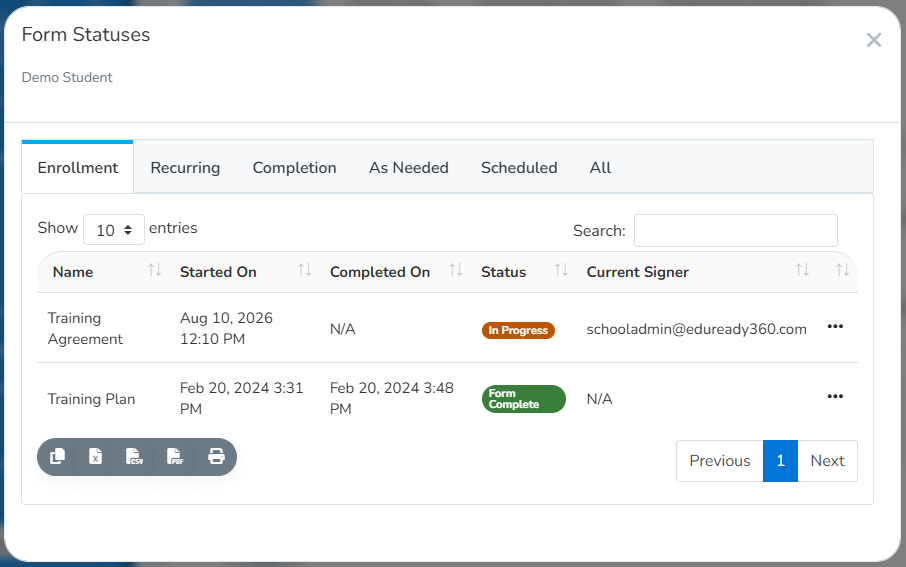
Two ways to check status: pull a report on the status of every form that's been submitted, or check an individual form directly to see exactly where it's stuck. In-app banners also flag it for you, so you'll see a prompt for any form waiting on your signature and any form you still need to submit yourself, without hunting for it.
If a signer hasn't acted after a few days, send a reminder directly from JobreadyWBL rather than tracking them down by phone or email yourself.
What This Adds Up To
None of this requires redesigning your paperwork process. Enrollment forms, evaluations, permission slips, they're the same documents your program has always needed. What changes is where the follow-up work lands, and it's no longer sitting on your desk.
Was this article helpful?
Thanks for letting us know!

Keep exploring.
Can't find what you need?
Our support team is here to help you make the most of Pathful.