Back to article
Pathful
Companion deliverables

Station cards & sub folder

Every rotation station card, substitute sub-folder page, and personal tracker referenced in Pathful Junior Without You at the Front: Centers, Stations, and Sub Days, laid out at true size and ready to print — each page below is one physical sheet. Print on Letter paper; cut or fold along the card edges as noted.

Contents
K–2 rotation stations Grades 3–5 rotation stations K–2 sub day folder Grades 3–5 sub day folder Personal trackers — all grades
Section

K–2 rotation stations

Four laminated station cards — Watch and Match, Star Rater, and two bonus stations (Meet the Career Crew, Pick Your Avatar) — printed 2-up per sheet and cut apart. Cluster Sort and the companion recording sheets follow on the next pages.

Watch and Match

1
Put on your headphones.
2
Press play on your career video.
3
Watch the whole video.
4
Circle the matching picture.
5
Draw one thing you saw the person do.

Star Rater

1
Watch Career 1.
2
Tap the stars for this job.
3
Watch Career 2.
4
Tap the stars again.
5
Raise your hand. You're done!

Bonus: Career Crew

1
Say hi to Zuri, Fact Dragon, Volt, or Beep 9.
2
Tap 3 job pictures on the screen.
3
Watch the start of each video.
4
Give a thumbs up for your favorite.

Bonus: Pick Your Avatar

1
Put on your headphones.
2
Watch your video.
3
Open your avatar picker.
4
Choose a new avatar.
5
Tell your table why you picked it.
What did you see?
Recording sheet · pairs with Watch and Match
Circle the picture that matches your video.
Draw one thing you saw the person do.

Cluster Sort

1
Open Career Central. Tap 3 or 4 jobs.
2
Find the matching cards on the table.
3
Sort each card. Would you like this job, or not?
4
Show your sort to a partner.
Cluster Sort picture cards · cut apart
Section

Grades 3–5 rotation stations

Five laminated station cards — Compare Two Careers, Interest Assessment Check-In, Lesson Lab, Cluster Browse, and Career Interview Prep — printed 2-up per sheet and cut apart.

Compare Two Careers

1
Pick 2 careers from your cluster.
2
Watch both videos.
3
Open your Career Journal.
4
Write 2 things the jobs have in common.
5
Write 1 way they're different.
6
Rate both careers with stars.

Interest Assessment Check-In

1
Log in.
2
If you haven't completed the Interest Assessment, do that first. If you have, open your results.
3
Find your top match.
4
Open your Career Journal.
5
Write one sentence: does this match surprise you? Why or why not?

Lesson Lab

1
Open your assigned lesson.
2
Watch the video.
3
Complete the activity.
4
Check that you earned your badge when you're done.

Cluster Browse

1
Browse every career in your assigned cluster.
2
Pick the one that interests you most.
3
Open your Career Journal.
4
Write why you picked it.
5
Write one question you'd want to ask someone who does that job.
6
Rate it with stars.

Career Interview Prep

1
Pick one career in Career Central.
2
Watch the Q&A videos on that career's profile.
3
Open your Career Journal.
4
Write 3 questions you'd still want to ask that person.
5
Rate the career with stars.
Note
Explore and Journal is covered by the paper station in the grades 3–5 sub day folder, not a station card here.
Section

K–2 sub day folder

Full-sheet substitute instructions for Whole-Class Video and Respond and a buddy-pair variation, plus the seating chart insert and backup drawing sheet.

For the substitute

Whole-Class Video and Respond

  1. 1
    Turn on the [device/projector].
  2. 2
    Go to the page already bookmarked, titled [career name].
  3. 3
    Press play. Let the whole video run.
  4. 4
    Ask: what did the worker use? Where did they work? Would you want that job?
  5. 5
    If the video won't load, hand out drawing sheets and have students draw a job they know about.
Pairs with the class-set drawing sheet from Watch and Match (K–2 rotation stations, above).
For the substitute

Watch and Match, Run by a Sub

  1. 1
    Students log in the way they've practiced with Easy Login.
  2. 2
    Navigate to Career Central, then the cluster, then the career written on this plan.
  3. 3
    Hand out a set of picture cards to each student.
  4. 4
    Students watch the video, then place a clip on the matching picture card.
  5. 5
    If a device won't load, that student switches to the drawing sheet backup.
Seating chart — buddy pairs
Bonus insert · laminated, reusable · pairs with either sub plan above
Fill in with dry-erase marker — teacher updates pairs as seating changes. Optional: only needed if you run a buddy-pair variation of the sub plan above.
If the Tech Doesn't Work · 4 backup character intros, one card per outage
For the substitute · backup plan · 1 of 4
If the Tech Doesn't Work
Zuri introduces: Firefighter
Firefighters keep people safe. They put out fires and rescue people during emergencies, driving big trucks with ladders and hoses. They also check smoke alarms so homes and schools stay safe every day.
  1. 1
    Read the paragraph about firefighters out loud.
  2. 2
    Hand out one blank drawing sheet to each student.
  3. 3
    Ask students to draw what a firefighter's day looks like.
  4. 4
    Collect drawings when finished.
For the substitute · backup plan · 2 of 4
If the Tech Doesn't Work
Fact Dragon introduces: Librarian
Librarians help people find books they'll love. They read stories out loud, answer questions, and know just where every book lives on the shelves. They also keep the library calm and tidy for everyone to enjoy.
  1. 1
    Read the paragraph about librarians out loud.
  2. 2
    Hand out one blank drawing sheet to each student.
  3. 3
    Ask students to draw what a librarian's day looks like.
  4. 4
    Collect drawings when finished.
For the substitute · backup plan · 3 of 4
If the Tech Doesn't Work
Volt introduces: Electrician
Electricians make sure lights, outlets, and machines get the power they need. They fix wires when something breaks and install new lights in homes and schools. They always wear safety gear to do their job.
  1. 1
    Read the paragraph about electricians out loud.
  2. 2
    Hand out one blank drawing sheet to each student.
  3. 3
    Ask students to draw what a electrician's day looks like.
  4. 4
    Collect drawings when finished.
For the substitute · backup plan · 4 of 4
If the Tech Doesn't Work
Beep 9 introduces: News Reporter
News reporters find out what's happening and tell people about it. They ask questions, take notes, and talk to people to learn the whole story. Then they share it on TV, the radio, or in a written article.
  1. 1
    Read the paragraph about news reporters out loud.
  2. 2
    Hand out one blank drawing sheet to each student.
  3. 3
    Ask students to draw what a news reporter's day looks like.
  4. 4
    Collect drawings when finished.
Blank drawing sheet · class set · pairs with any “If the Tech Doesn't Work” card · print one per student
Section

Grades 3–5 sub day folder

Substitute instructions for Lesson Lab and a paper version of Explore and Journal (with the Peer Interview Extension for early finishers), plus an optional login card. The login card needs a product/security sign-off before this ships in a folder that leaves the building.

For the substitute

Lesson Lab, Run by a Sub

  1. 1
    Students log in the way they normally do.
  2. 2
    Students open the lesson named on this plan and work through it.
  3. 3
    Circulate to help with any trouble and keep students moving through the lesson.
  4. 4
    If a device won't load, that student switches to the reading passage in the folder.
Lessons save progress, so a student who runs out of time picks up where they left off next time.
For the substitute

Explore and Journal, Run by a Sub (paper version)

  1. 1
    Choose one career in Career Central you haven't explored yet.
  2. 2
    Watch the video.
  3. 3
    On this paper, since your login isn't needed today, answer: What surprised you about this job? What's one question you'd ask this person? Would you want to try this job? Why or why not?
Pairs with the My Career Journal worksheet and login card on the next page.
My Career Journal — paper version
Pairs with Explore and Journal
What surprised you about this job?
What's one question you'd ask this person?
Would you want to try this job? Why or why not?
Login card · optional, taped face-down · needs sign-off before use
Username
Password

Peer Interview · early finishers

  1. 1
    Find your partner.
  2. 2
    Take turns sharing the career you chose and one thing you wrote down.
  3. 3
    Ask your partner one question about their career choice.
Section · bonus

Personal trackers — all grades

Badge Builder and Cluster Completionist. Not referenced in the article itself — an optional extra for teachers who want a physical record alongside the digital badges in Career Central. Laminate or slide into a page protector so students can reuse across the year with a dry-erase marker or sticker.

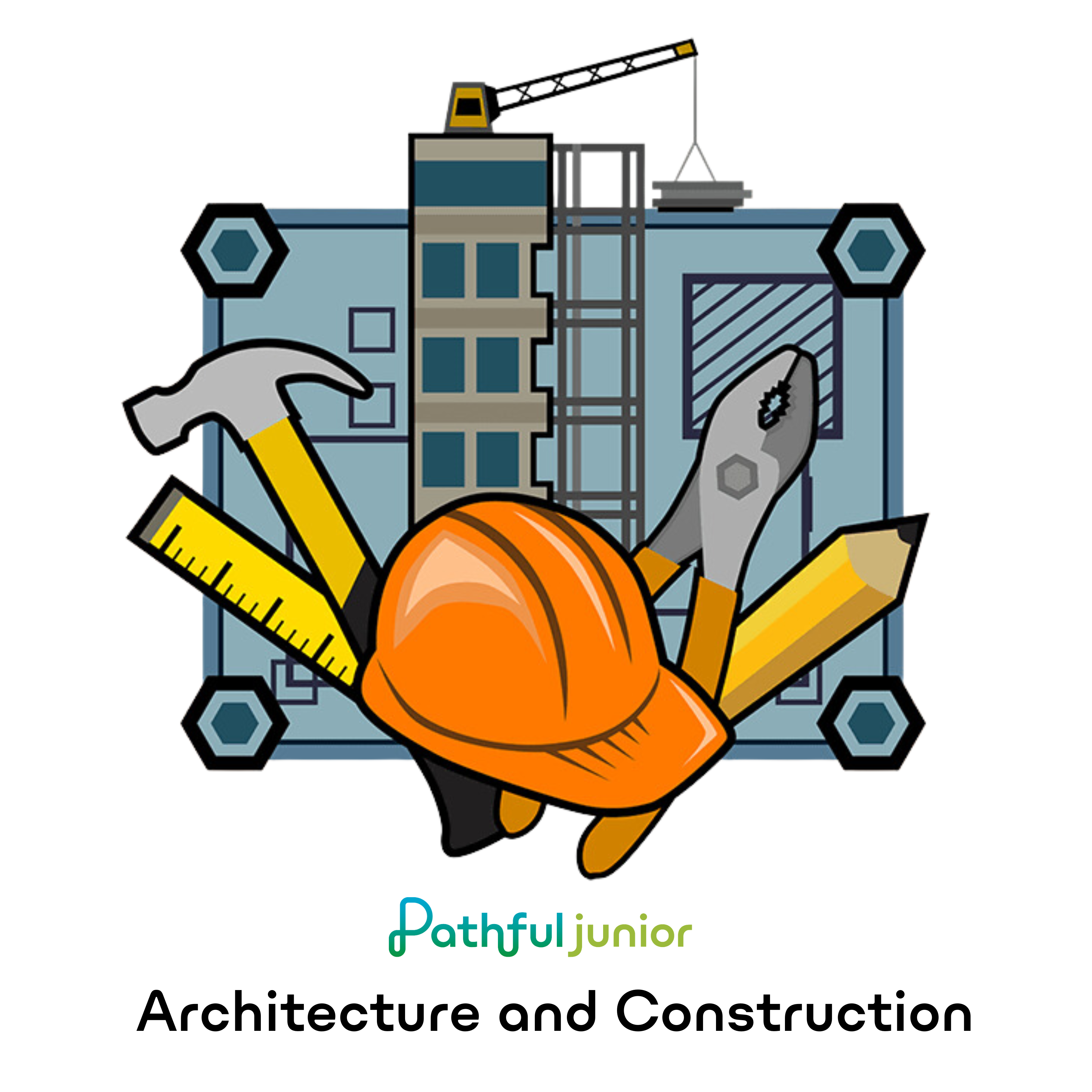
Badge Builder

My name:
Color in a badge every time you finish a lesson in that career cluster.
Agriculture, Food & Natural Resources
Architecture & Construction
Arts, A/V Technology & Communications
Business Management & Administration
Education & Training
Finance
Government & Public Administration
Health Science
Hospitality & Tourism
Human Services
Information Technology
Law, Public Safety, Corrections & Security
Manufacturing
Marketing, Sales & Service
STEM
Transportation, Distribution & Logistics

Cluster Completionist

My name:
Check a box each time you finish that step for a cluster — 3 checks completes the cluster.
Explored
Watched
Rated
Agriculture, Food & Natural Resources
Architecture & Construction
Arts, A/V Technology & Communications
Business Management & Administration
Education & Training
Finance
Government & Public Administration
Health Science
Hospitality & Tourism
Human Services
Information Technology
Law, Public Safety, Corrections & Security
Manufacturing
Marketing, Sales & Service
STEM
Transportation, Distribution & Logistics