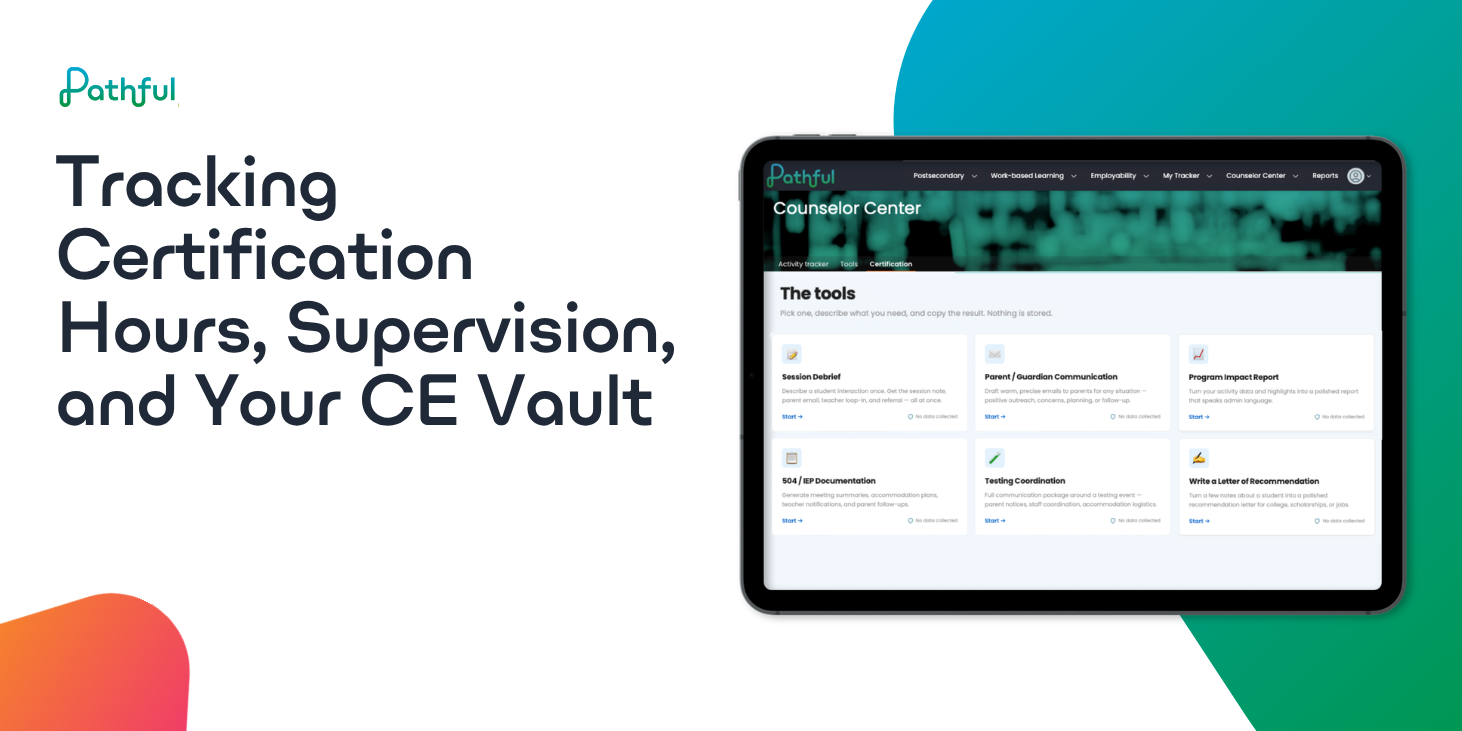
Work Hours, Supervision, and CE Vault give Counselor Center a second set of tools for anyone tracking hours toward an outside license or certification alongside their school counseling role.
Not everyone using Counselor Center is "only" a school counselor. Plenty of you also hold, or are working toward, an outside clinical license or certification, LPC or similar, and that comes with a second set of paperwork nobody else in the building has to think about: hours logged somewhere, a supervisor's signature tracked down between meetings, a stack of CE certificates that all matter come renewal.
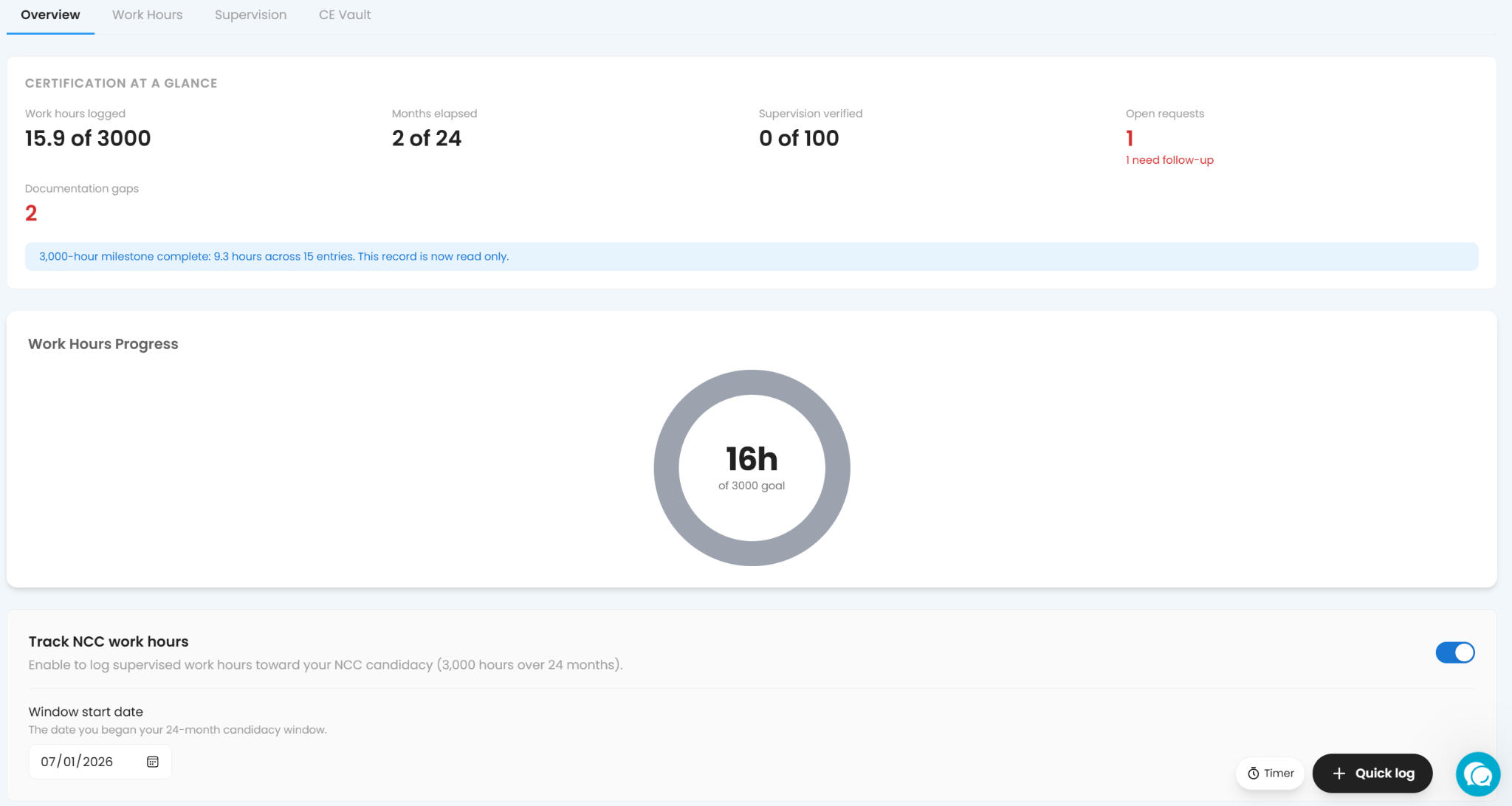
Regardless, everyone does have to keep track of Continuing Education credits, but not everyone is seeking licensure. The Certification section contains three parts that make it easier to keep track of all certification and licensure pieces, and, like everything else in Counselor Center, entries here stay editable after you save, so a typo or a wrong date doesn't mean deleting and starting over.
Work Hours
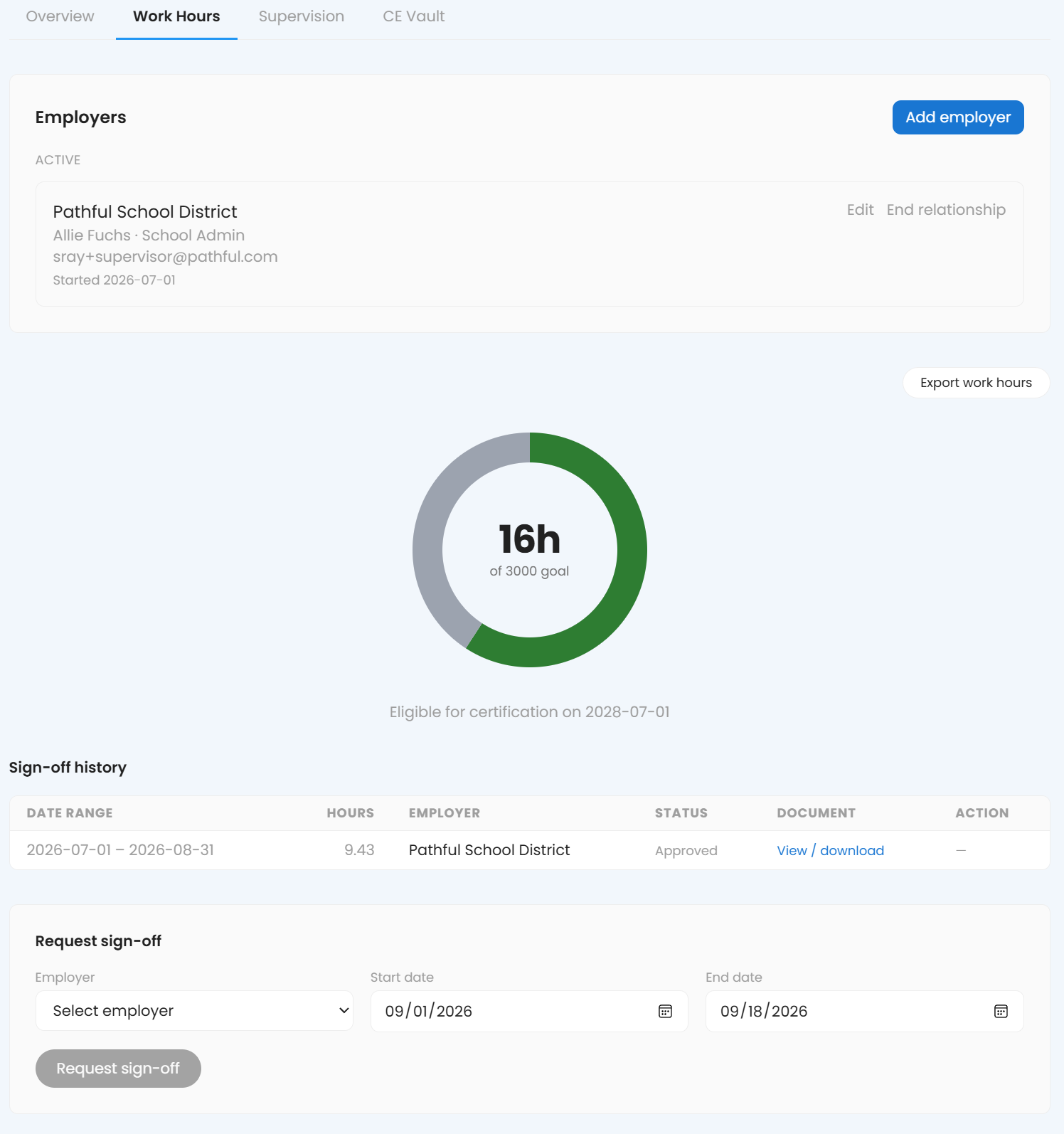
Work Hours tracks hours toward licensure against an employer record:
- Go to Certification → Work Hours and add your employer record once (site director, supervisor, whoever verifies your hours).
- Log hours as you complete them, tagged to the specific work.
- Request sign-off directly from the platform: something like "Requesting sign-off on 12 hours logged for August, direct service and case consultation."
- Your employer approves it without you having to track down a signature separately.
A monthly request for 12 hours, sent the same week they're logged, beats saving up three months of hours for one large ask in March.
Supervision
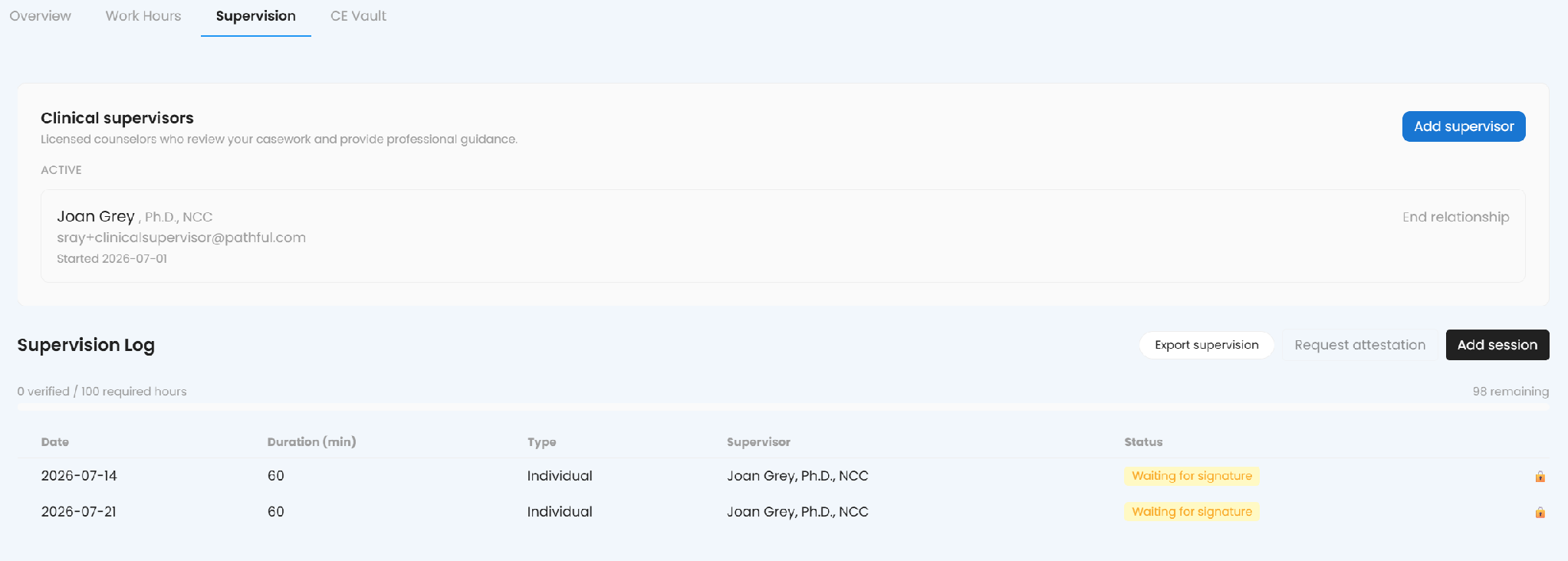
Supervision works the same way, built around your clinical supervisor instead of an employer. Add your supervisor once, their credentials and contact information, save with the record, log each session the same day it happens, noting whether it was individual or group, and request an attestation before the week is out rather than after three months of sessions pile up. The log tracks verified hours against your required total, so you can see at a glance how much is left, and you can export the supervision log on its own whenever you need a copy. Your supervisor confirms the request without you having to track them down between appointments.
CE Vault
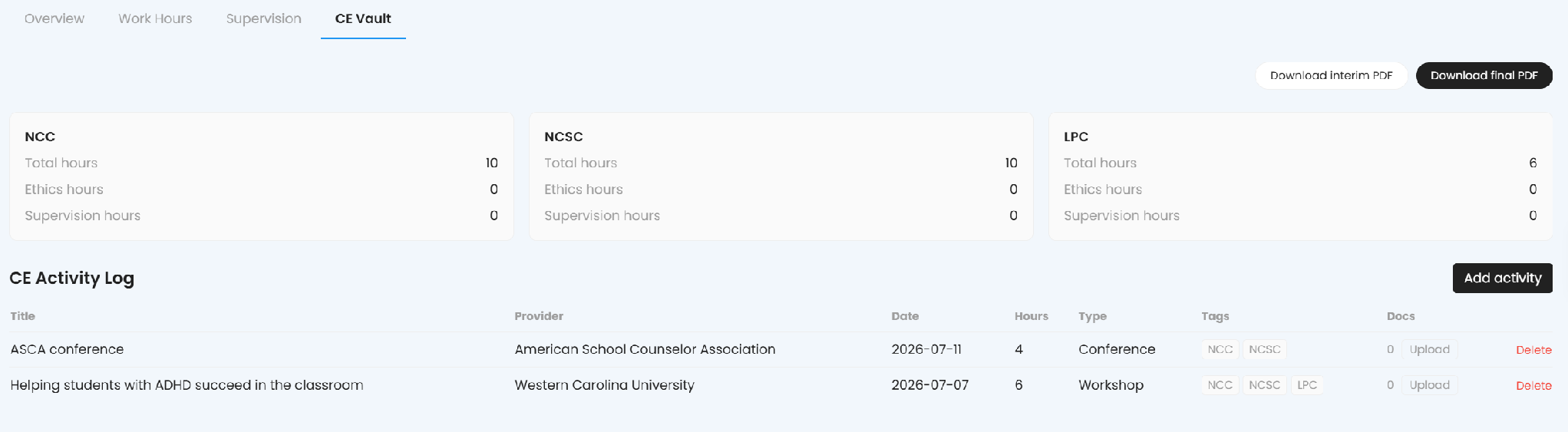
CE Vault holds your continuing education record, organized by the credential it counts toward rather than by topic:
- Go to Certification → CE Vault and add an activity: title, provider, date, hours, and type (conference, workshop, and similar).
- Tag it with whichever credential(s) it counts toward. NCC, NCSC, and LPC are common ones, and a single activity can count toward more than one at once if it qualifies.
- Attach supporting documentation as you go, a certificate of completion, a sign-in sheet, whatever your board wants to see.
- When you need to submit proof, export as a PDF: an interim PDF for a mid-year snapshot, or a final PDF for a completed reporting period.
Each credential gets its own running total at the top of the page, split into total hours, ethics hours, and supervision hours, so you can see at a glance whether you're on track for a specific requirement instead of just a general count.
One name collision to catch
"Supervision" means something different depending on where you are. The Supervision section above logs your actual sessions with a clinical supervisor. Inside CE Vault, "Supervision hours" is one of the tracked hour types within your CE total, not a session log. Check which one you're looking at before assuming a number reflects the other.
Whether it's a parent asking what your day looks like, an administrator reviewing your caseload, or a licensing board requesting proof, the answer is already in Counselor Center. Log it the week it happens, and none of it has to be reconstructed later.
Was this article helpful?
Thanks for letting us know!

Keep exploring.
Can't find what you need?
Our support team is here to help you make the most of Pathful.