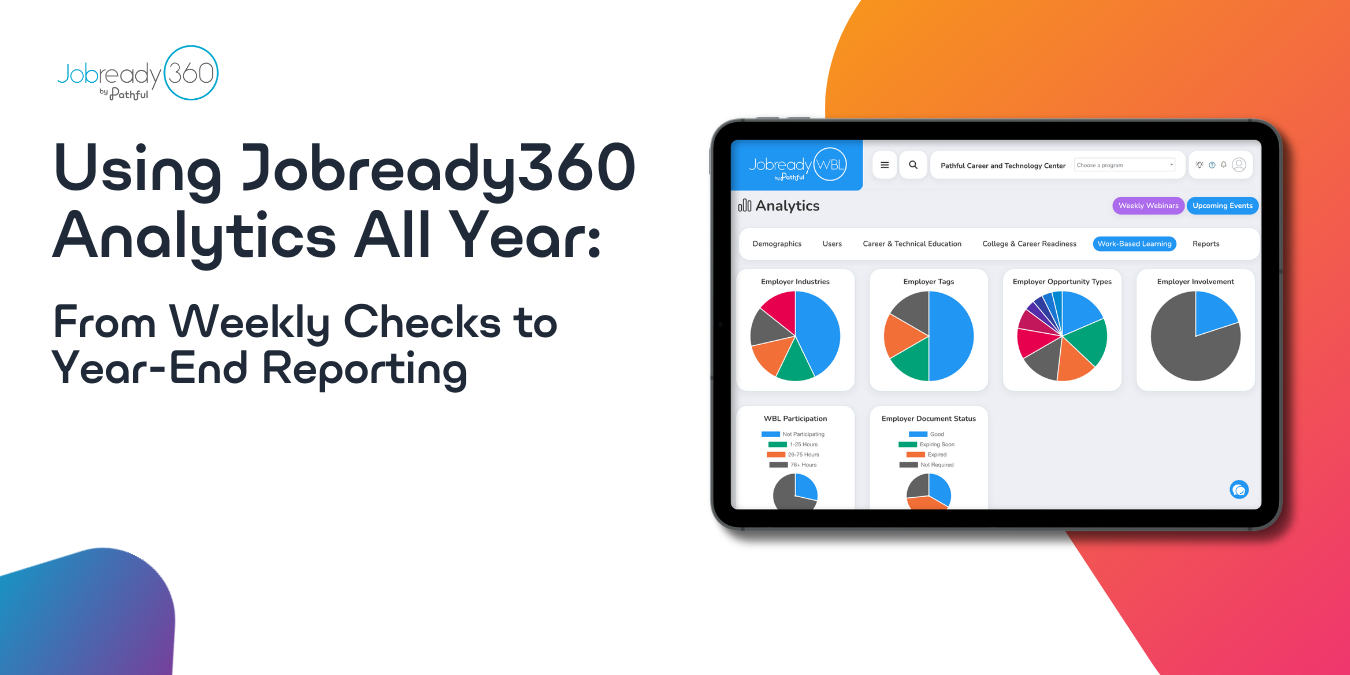
The Dashboards and Analytics page in JobreadyWBL and JobreadyCTE can catch missing hours and certification gaps months before a report forces the question, and those same weekly checks scale straight into year-end reporting.
A WBL coordinator opens placement records in April and finds a student who stopped logging hours back in October. Nobody caught it, because nobody looked until the report was due. A CTE teacher runs into the same problem from a different angle: a certification test date passed without a pass or fail ever recorded.
Both come from checking program data only when a report forces the question. By then, the window to fix it has already closed.
The Dashboards and Analytics page in JobreadyWBL and JobreadyCTE can catch these gaps months earlier. Build it into a weekly habit, and those same checks carry straight into your year-end report.
Where to Find Your Reports
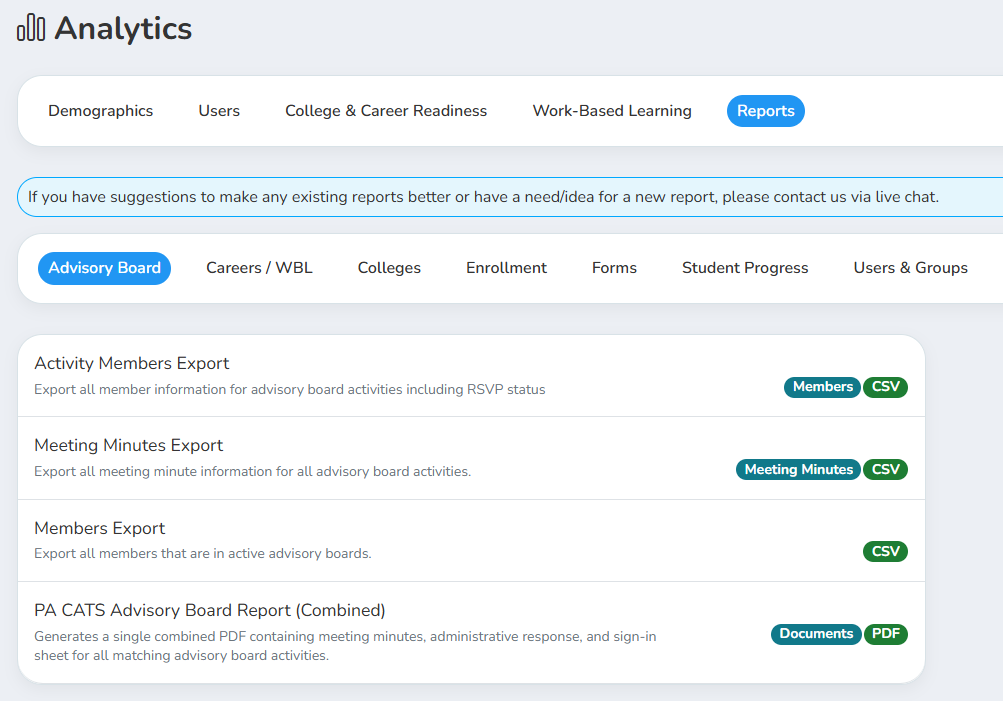
The Reports section of the Analytics page organizes everything into tabs by function. WBL coordinators will spend most of their time in Careers / WBL. CTE teachers and directors will work mostly from Student Progress. Each tab holds a set of named reports you can filter by date range, program, class, or student group before generating.
Catch Missing Hours Before They Pile Up
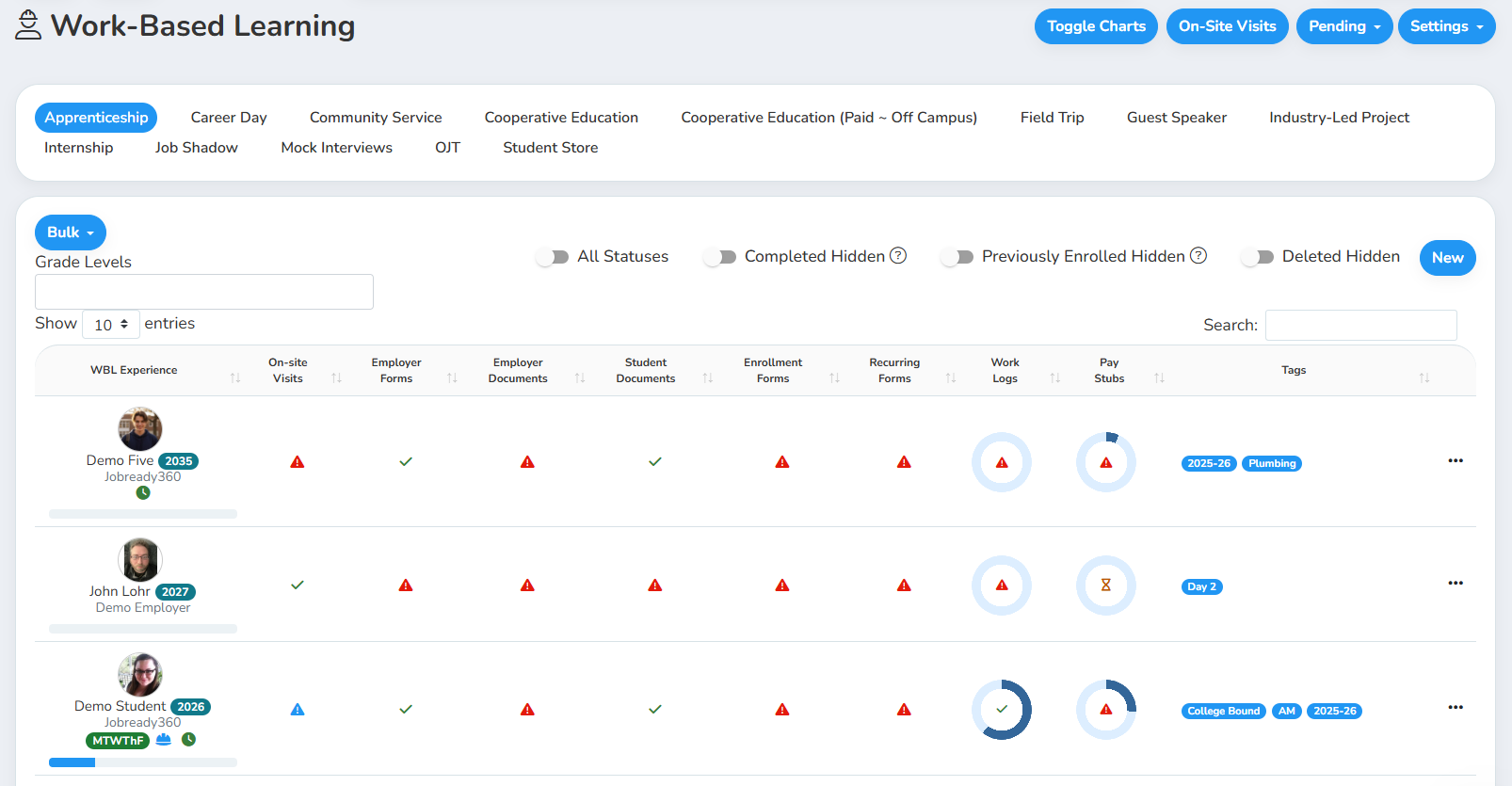
For WBL coordinators, the habit starts on the Work-Based Learning page itself. The experience list color-codes each student's record by status, and an icon shows whether a student has a work log scheduled or has clocked into the mobile app. A quick scan shows which students are active without running a report at all.
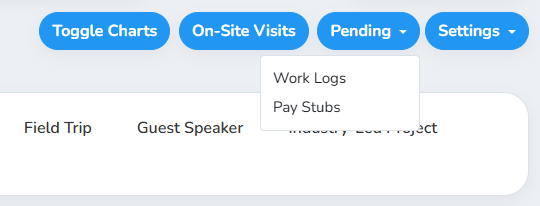
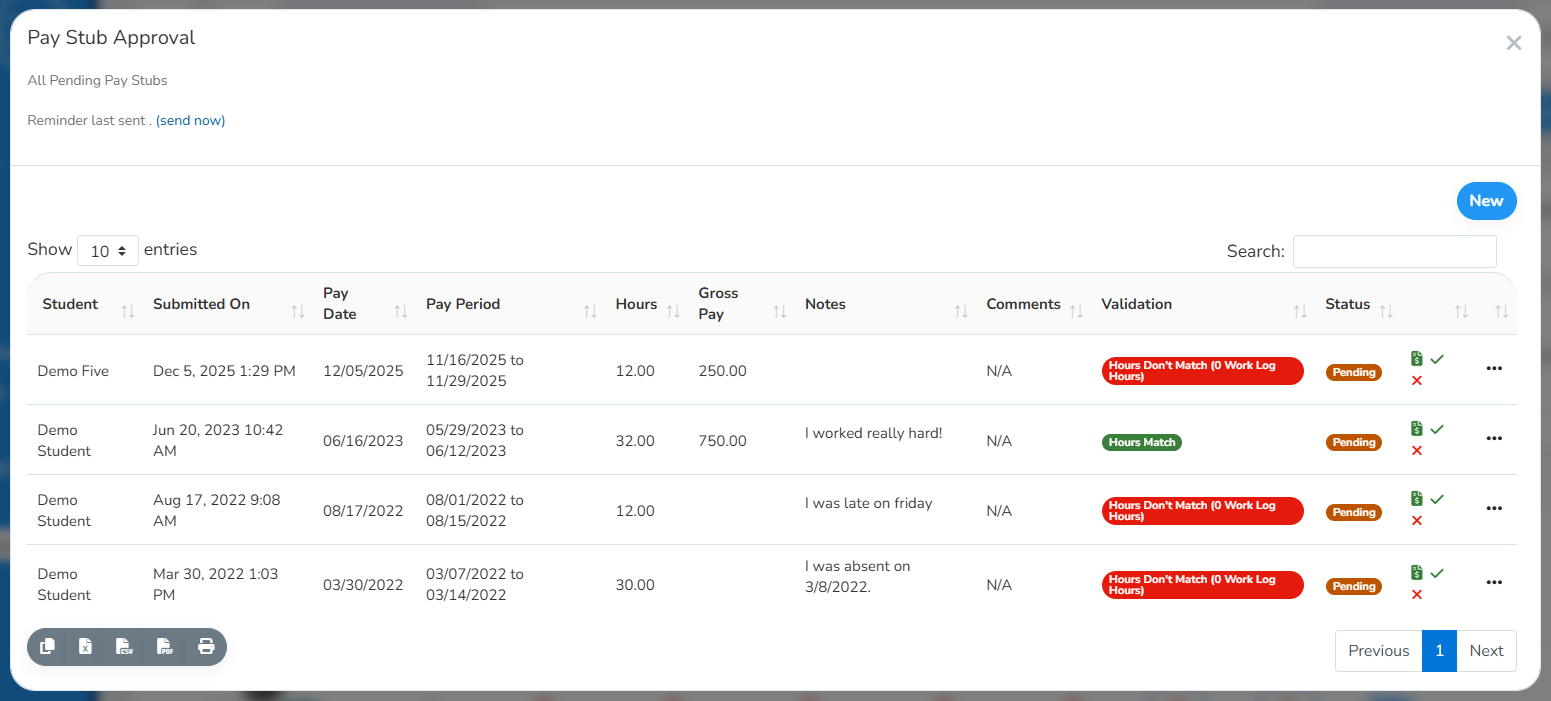
To see if any students have work logs or pay stubs that need to be approved across all types of WBL experiences in the district, use the Pending Work Logs and/or Pending Pay Stubs feature.
Spot Certification Gaps While There's Time to Act
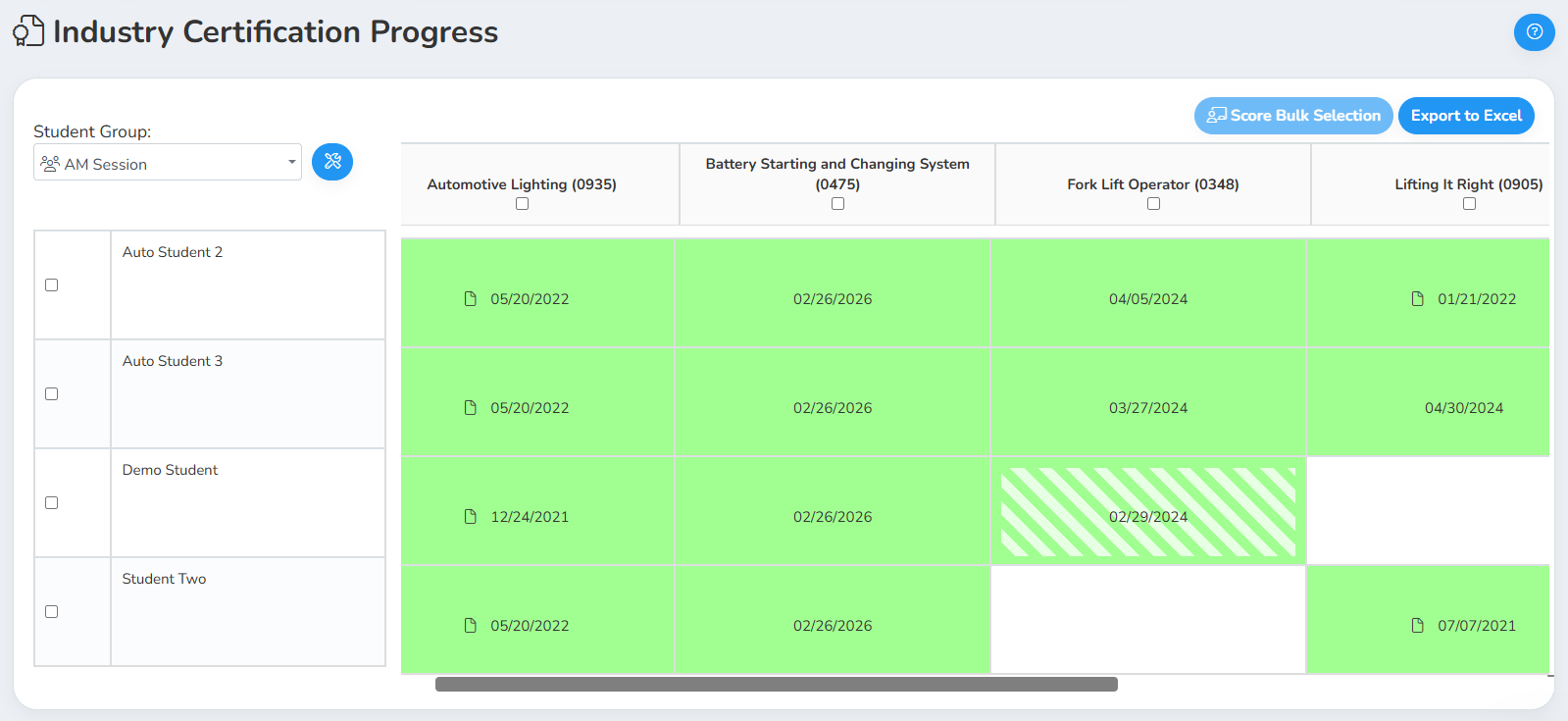
For CTE teachers, that pattern holds for certifications too. The Industry Certification Progress report, under Student Progress, shows every student's certification attempts, dates, and pass or fail status. Filter it to your class or program and run it a few times a semester. It surfaces a student nobody ever scheduled for a test, a gap the pass or fail numbers alone won't catch.
The Industry Certification Pass/Fail report rolls that up into pass counts and percentages by certification. Run it partway through the year and you'll see which test is consistently tripping up students. That leaves time to adjust instruction before the next testing window.
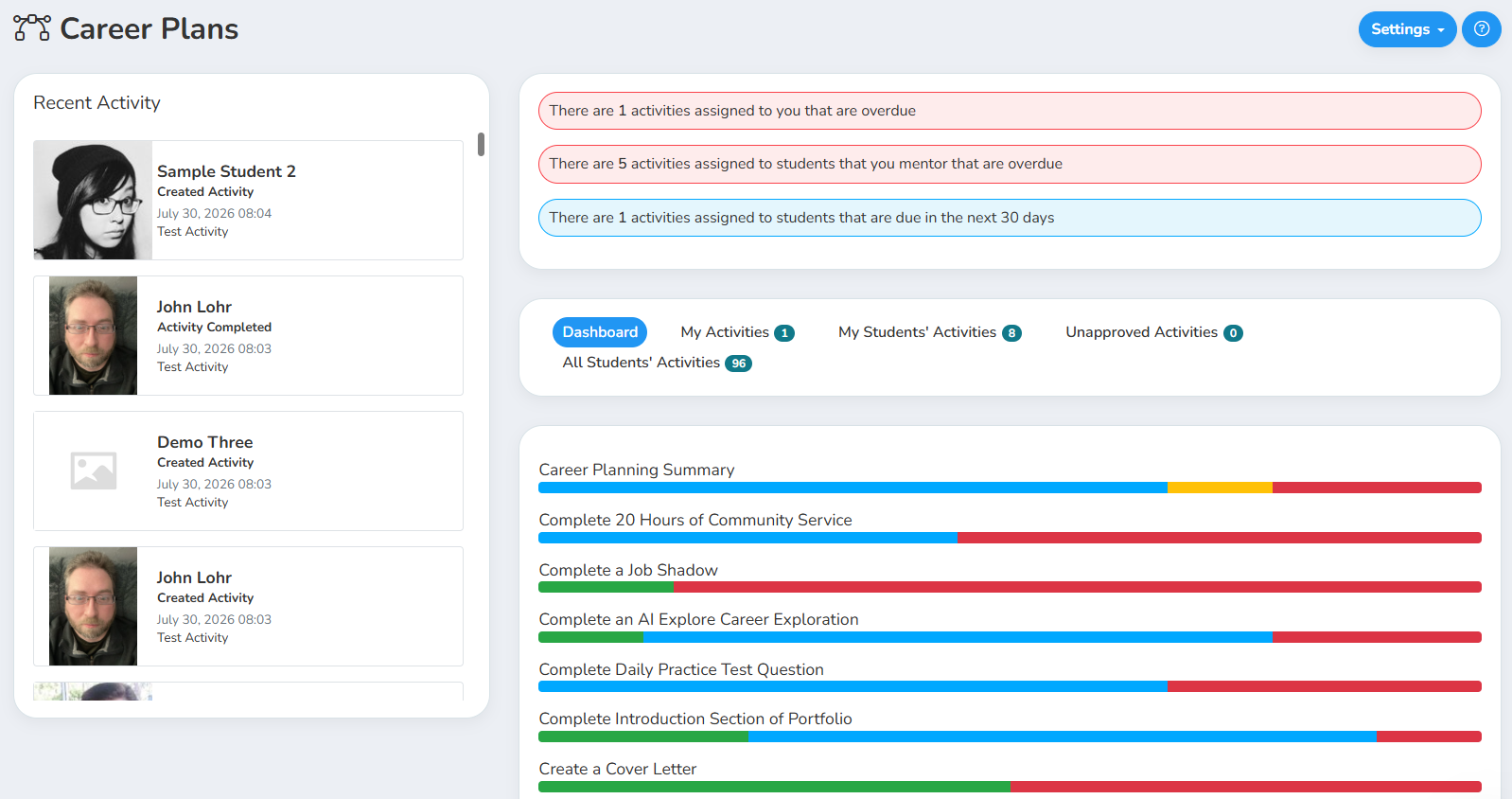
Student Progress also tracks task and competency completion, apart from certification testing. A student quietly falling behind on required competencies shows up here, even if every certification test is on schedule.
These Checks Become Your Year-End Report
The reports above don't disappear at year-end. Run them across the full year instead of a single month, and they turn into your year-end numbers.
For JobreadyWBL, the Student-Based Experience Export, also under Careers / WBL, compiles a full record per student: employer information, placement dates, hours, pay, and program alignment. If you've been checking Work Log Summary all along, nothing in this export should surprise you.
For JobreadyCTE, the certification reports scale up just as cleanly. A course planning completion and progress summary, from Course Management/Planning, adds graduation-requirement and pathway alignment data to the certification picture. Together, they give you the outcome data your administrators and state reporting requirements call for.
For JobreadyCTE users
Directors have one more layer available. Run the certification and course planning reports without narrowing them to a single class or teacher, and they become a cross-pathway view: pass rates by certification across every program in the building.
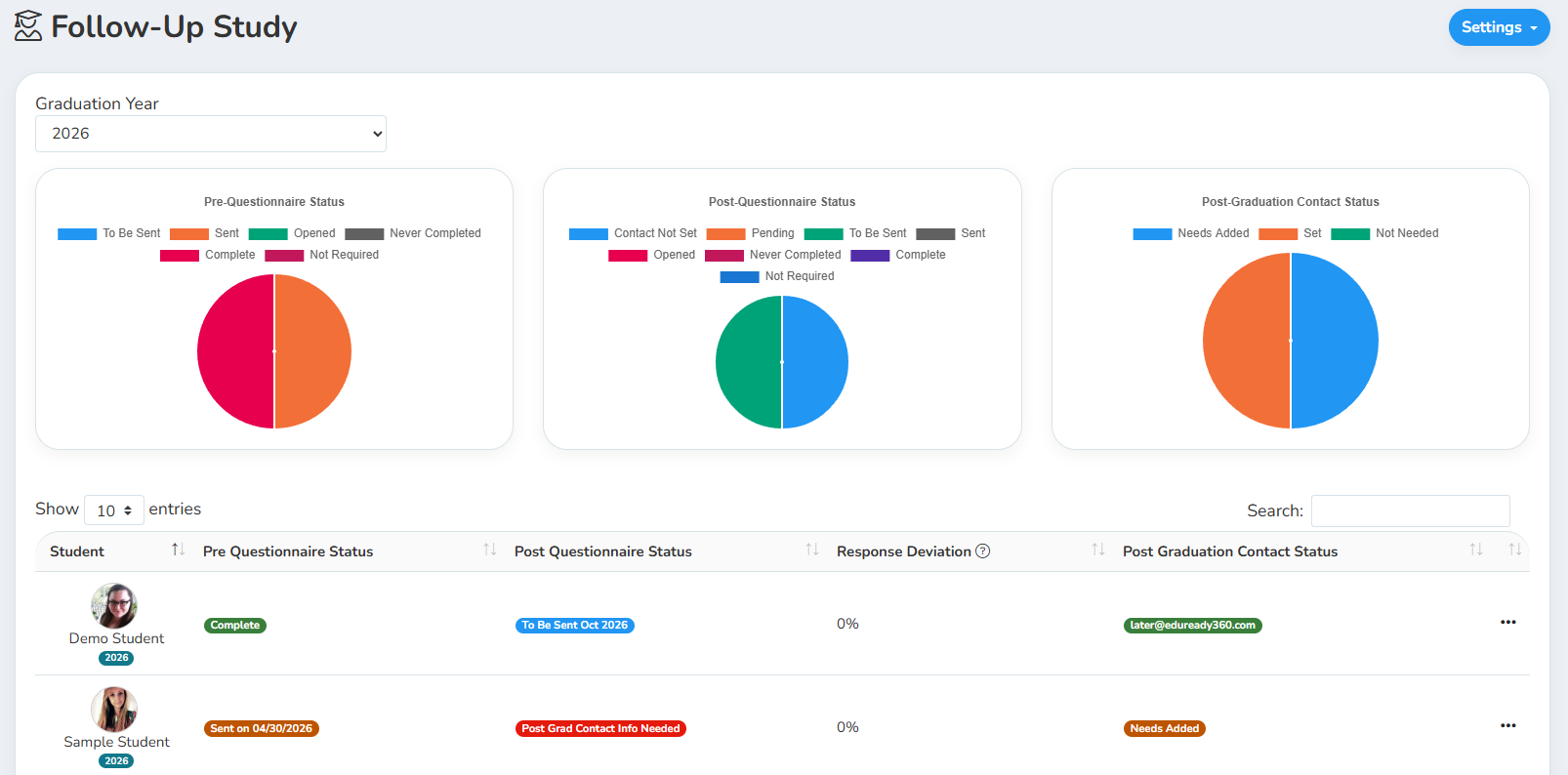
Follow-Up Study, a separate module using pre- and post-graduation questionnaires, extends that record past graduation. Pair it with your in-program certification and course data, and you get a longitudinal record that follows a student from enrollment through their first years after graduation.
Try This Now
Pick one report this week, Work Log Summary or Industry Certification Progress, and run it with no filters beyond the current semester. Look for the students sitting at zero. Catch that in November and the student still has time to make up the hours or reschedule the test.
Was this article helpful?
Thanks for letting us know!

Keep exploring.
Can't find what you need?
Our support team is here to help you make the most of Pathful.