Five minutes before the bell, ten before lunch, fifteen with a group that finished early — here's a grade-banded menu of Pathful Junior activities sized to whatever window you actually have.
The session you blocked for Pathful Junior is usually the one that gets bumped: an assembly that ran over, a fire drill, or a class discussion that was too good to cut short. What's left is five minutes before the bell, ten minutes before lunch, or fifteen minutes with a group of students who finished early and need something to do.
The activities below are built for those windows. Each one has a clear active component: students aren't just watching; they're spotting something in a video, responding to a prompt, or summarizing what they found. None of them require a full lesson plan.
A note on grade bands. For K–2, most activities below are teacher-led: you navigate on the projector and read prompts aloud while students respond verbally, with gestures, or by raising hands. Individual logins aren't required for teacher-led activities. Some K–2 activities are also marked as station-ready once students have seen the format as a class. For grades 3–5, students log in and work independently, with a brief class debrief built into the time.
5 minutes
K–2
- Spot the Tools: Play the first two or three minutes of a Career Central video on the projector. While students watch, they raise a hand every time they spot a tool the worker uses. After you stop the video, call on three students: “What tool did you see? What do you think it's for?” No prep needed; just queue up a career profile before students arrive. Once students know the format, this works as a station: pre-load a video on a device and leave a task card that says “Watch the video. Draw one tool you saw.” Students at the station can watch the full video at their own pace.
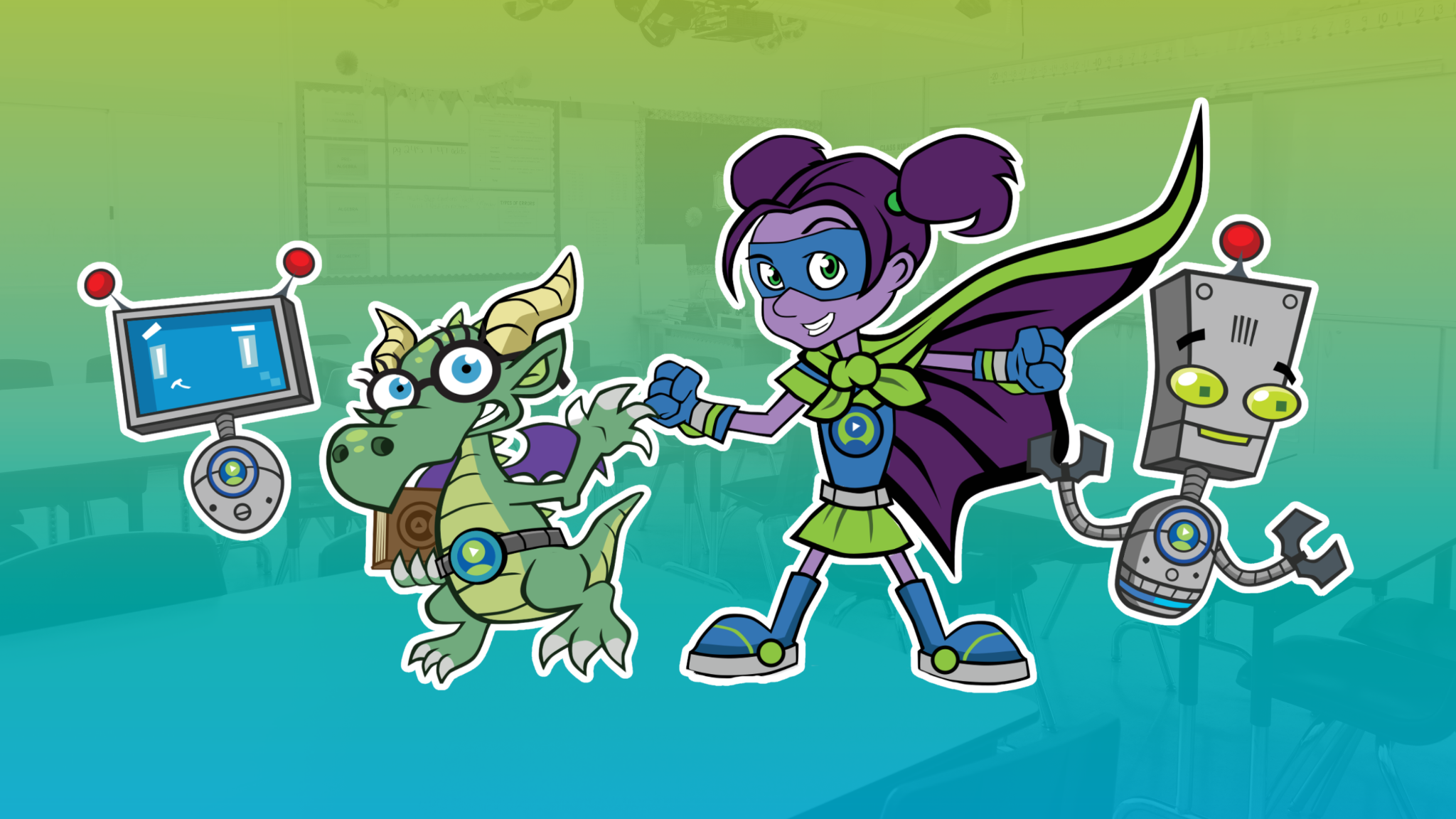
- Career Crew Question: Project Zuri, Fact Dragon, Volt, or Beep 9 from the Career Crew and ask: “What job do you think this character would have? What makes you think that?” Two or three student responses fill five minutes easily, and the conversation requires nothing beyond a projector.
- Would You Rather: Pull up two Career Central career profiles and ask: “Would you rather be a [career A] or a [career B]? Why?” Students vote by raising hands and share a reason. Low prep, high engagement, works well right before a transition.
3–5
- New Cluster Browse: Students log in and navigate to a career cluster they haven't explored yet. Give them three to four minutes to read through career profiles on their own, then share one sentence with a partner. Career videos run longer than five minutes, so point students toward reading profile text rather than starting a video they won't finish.
- Speed Explore: Students have four minutes to find the most unusual career they can in Career Central, then share one sentence about it with the class. The constraint is what makes it engaging; students have to move quickly and make a decision rather than browse without direction.
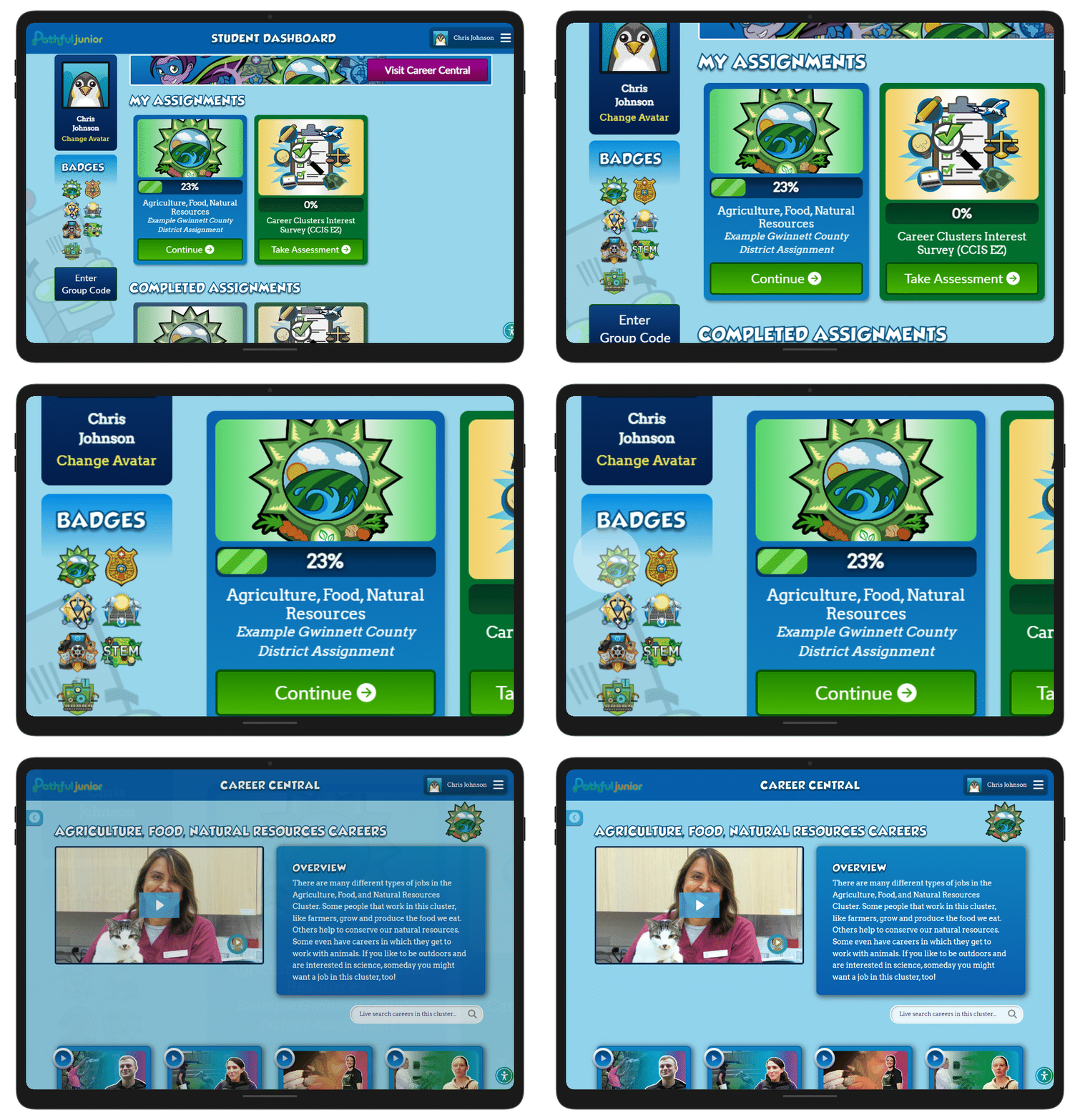
- Badge Check: Students find their career cluster badges and identify one they'd like to earn next. Ask two or three students to share which cluster they chose and why. Self-directed, and gives students a goal to return to.
10 minutes
K–2
- Lesson Launch: Launch a lesson on the projector and work through it as a class. Read each prompt aloud and give students 20–30 seconds to respond: hands raised, thumbs up or down, or pointing to their answer. You won't finish the lesson in 10 minutes, and you don't need to. The platform saves progress, so students pick up exactly where they left off the next time you have a window.
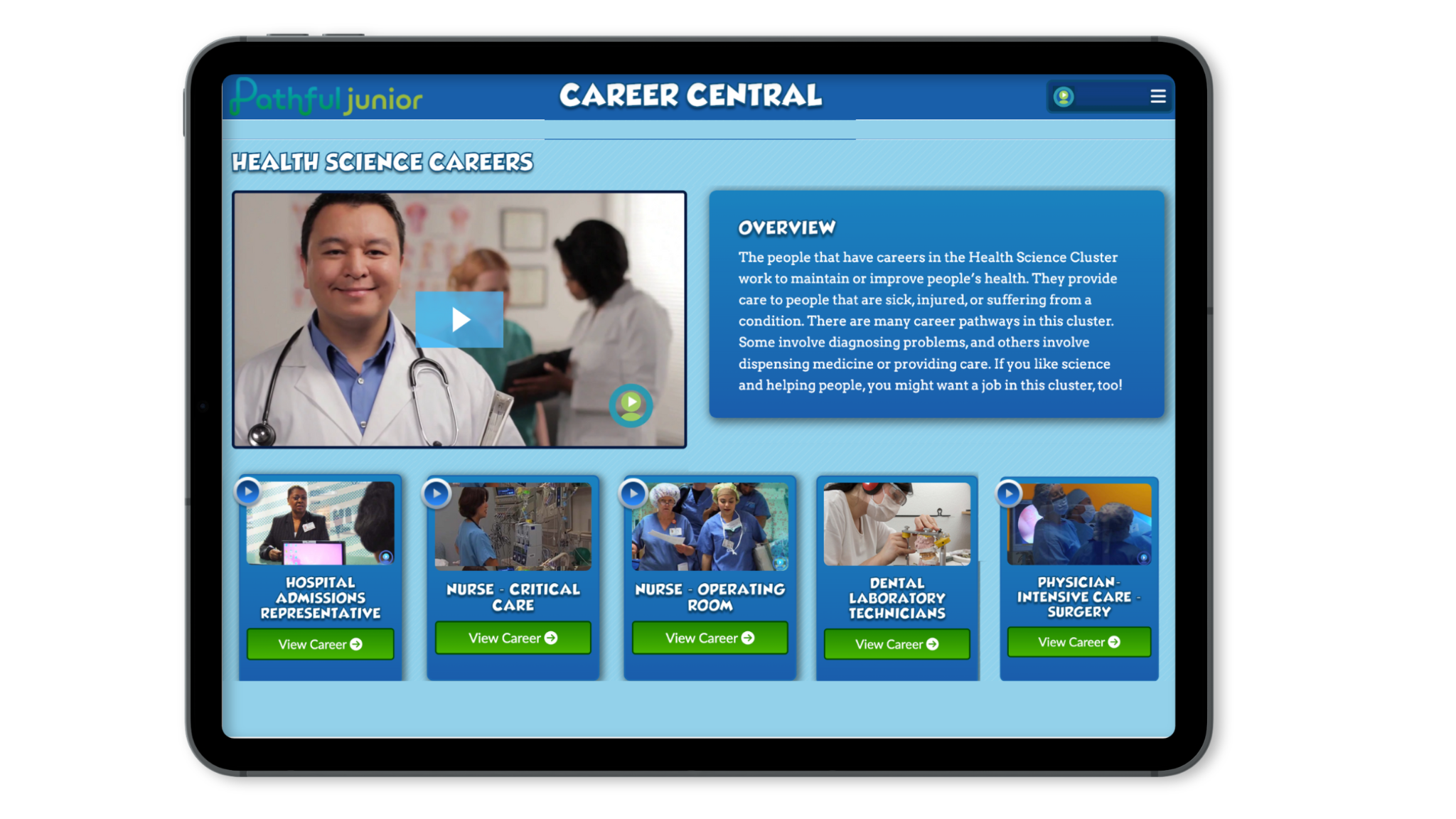
- Pause and Ask: Play a Career Central video and pause it once, about halfway through, to ask “What does this person do?” Let students respond by raising hands or turning to a partner, then finish the video and close with: “Who would want this job? Who wouldn't?” The video itself runs four to six minutes, so limiting the discussion to one pause keeps this in the ten-minute window.
- What's the Job?: Pull up a Career Central career profile but don't reveal the career title. Play the first minute or two of the video while students try to guess the job, then stop and take guesses before revealing the answer. The guessing format keeps students thinking rather than passively watching, and stopping early is what keeps it in the ten-minute window.
3–5
- Career Profile Read: Students pick a career they've never heard of in Career Central and spend seven minutes reading the text profile. At the end, each student shares one thing they learned with a partner. Keeping this to text rather than video means students stay within the time window and practice reading career information independently.
- Career Comparison: Students pick two careers in the same cluster and identify one thing they have in common and one thing that's different, then share with a partner. Once students are comfortable navigating Career Central independently, this is a strong 10-minute activity.
- Career Sort: Students browse Career Central and write down three careers: one they'd consider, one they'd never do, and one that surprised them. A quick pair share at the end gives students a structure for thinking about what they're exploring rather than just scrolling.
15 minutes
K–2
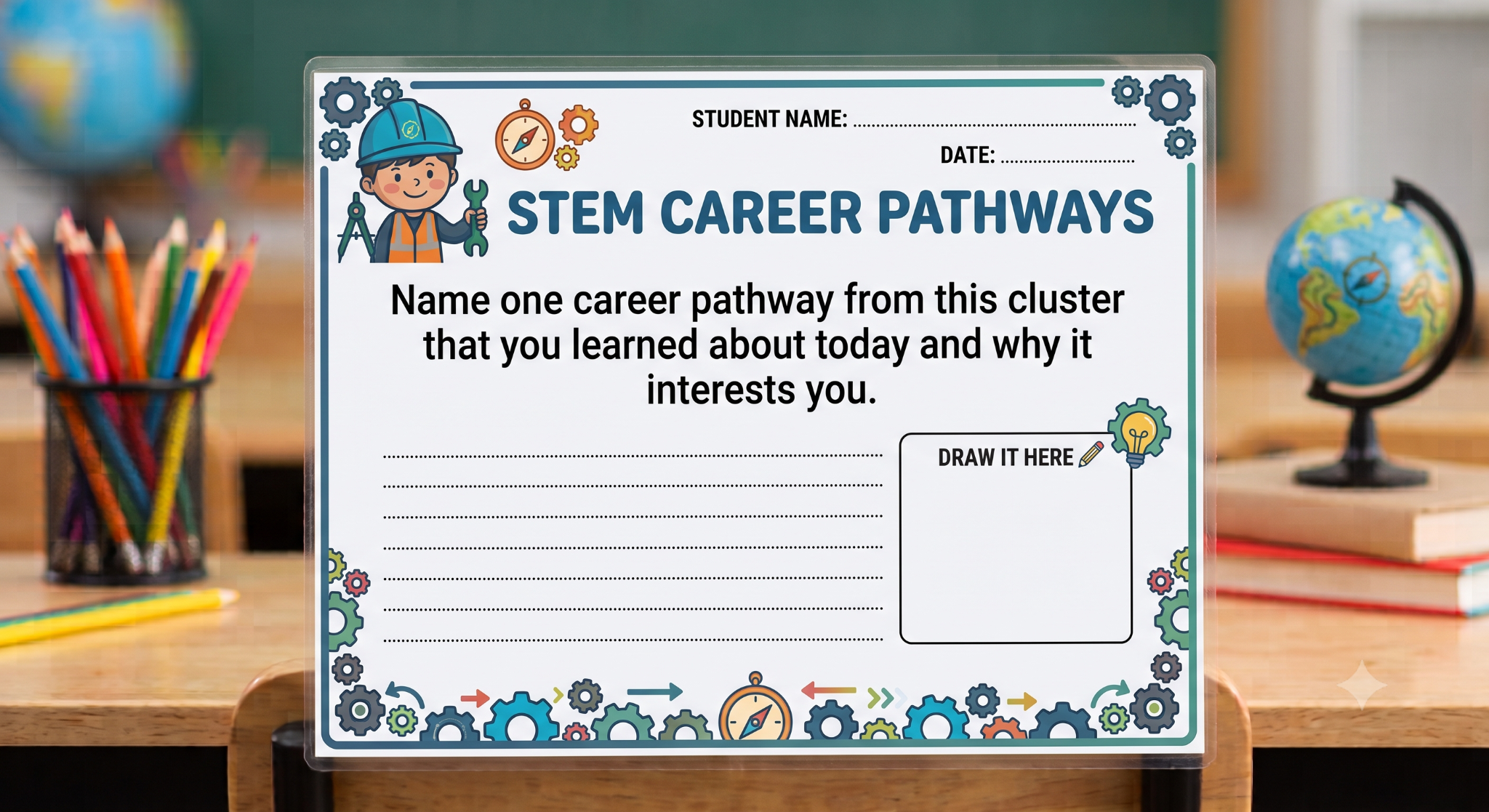
- Career Story Time: Select one career in Career Central and play the full profile video, then spend three to four minutes reading key details from the career page aloud: what the person does day to day, what tools they use, and what they had to learn to do the job. Close with a structured discussion: “What did this person have to learn? What do they make or help with? Would this job be hard or easy? Why?” The extra time lets students go deeper into one career rather than moving quickly across several.
- Cluster Conversation: Use Career Central to explore a cluster together. Pick one cluster, play one video, and close with: “If you could do one of these jobs for a day, which one would you pick?” Students share verbally or vote by holding up fingers. Once students know the format, this works as a station: pre-load a cluster on a device and leave a task card with that same closing question.
- Cluster and Draw: Explore a Career Central cluster together on the projector by playing one video, then give students five minutes to draw one worker from that cluster and one tool they use. Close with three or four students sharing their drawings. Once students know the format, this works as a station: pre-load a cluster on a device and leave a task card with the drawing prompt.
3–5
- Career Summary: Students browse Career Central and choose one career to describe in two or three sentences. At the end of the 15 minutes, a few students share with the class. The sentence summary asks students to process and choose rather than just click through.
- Cluster Deep Dive: Students pick one cluster and read through at least three career profiles within it, then write two sentences about the one they found most interesting. Point students toward reading profile text rather than watching videos to keep this in the 15-minute window. Works well as a follow-up once students have completed the Interest Assessment and have a sense of which clusters connect to their interests.
- Independent Lesson: Students open a lesson and work through it independently. Most students won't finish in 15 minutes; the goal is focused progress, not completion. The platform saves progress, so students pick up exactly where they left off the next time you have a window. Once most of the class has worked through a significant portion, a few minutes of debrief is enough: “What's one career from that lesson you hadn't thought about before?”
The Interest Assessment: an option for ongoing use
If you want to work the Interest Assessment into your regular rotation, one option is to treat it as a multi-session activity rather than fitting it into a single timed window.
For K–2, set it up as a station students return to across multiple sessions. After one whole-class walkthrough, place a device at the station with a task card showing the login steps. Students pick up where they left off each time they rotate through. The emoji-based format is navigable enough for most K–2 students to work through independently once they've seen it as a class.
For grades 3–5, give students dedicated time to work through it independently across one or two sessions before planning any debrief. Once the full class has finished, a separate 10-minute window is enough for the debrief: “Did anything surprise you? Did anything make total sense?” Students can explore a Career Central cluster that showed up in their results after that conversation.
Building a routine
These activities work as one-offs, but they work better as a consistent habit. For K–2 classrooms running stations, consistency matters too: the more often students rotate through a Pathful Junior station, the more independently they work through it. For grades 3–5, students get faster at logging in, more comfortable navigating, and more willing to share what they've found when career exploration shows up regularly in their week. Five minutes twice a week adds up faster than one planned session that keeps getting pushed to next week. Start with whatever time you actually have, not the amount you wish you had.
For a full rotation model setup, including how to structure Pathful Junior alongside other stations and manage the logistics, see Career Exploration at Learning Centers: A Rotation Model for Pathful Junior.
[Link to “Career Exploration at Learning Centers: A Rotation Model for Pathful Junior” — article not yet published to Resource Center]
Looking for ways to connect these activities to what you're already teaching? See Integrating Pathful Junior with the Curriculum You Already Teach.
Was this article helpful?
Thanks for letting us know!

Keep exploring.
Can't find what you need?
Our support team is here to help you make the most of Pathful.